Recognizes prepared artwork
Upload the image that shoppers will scan.
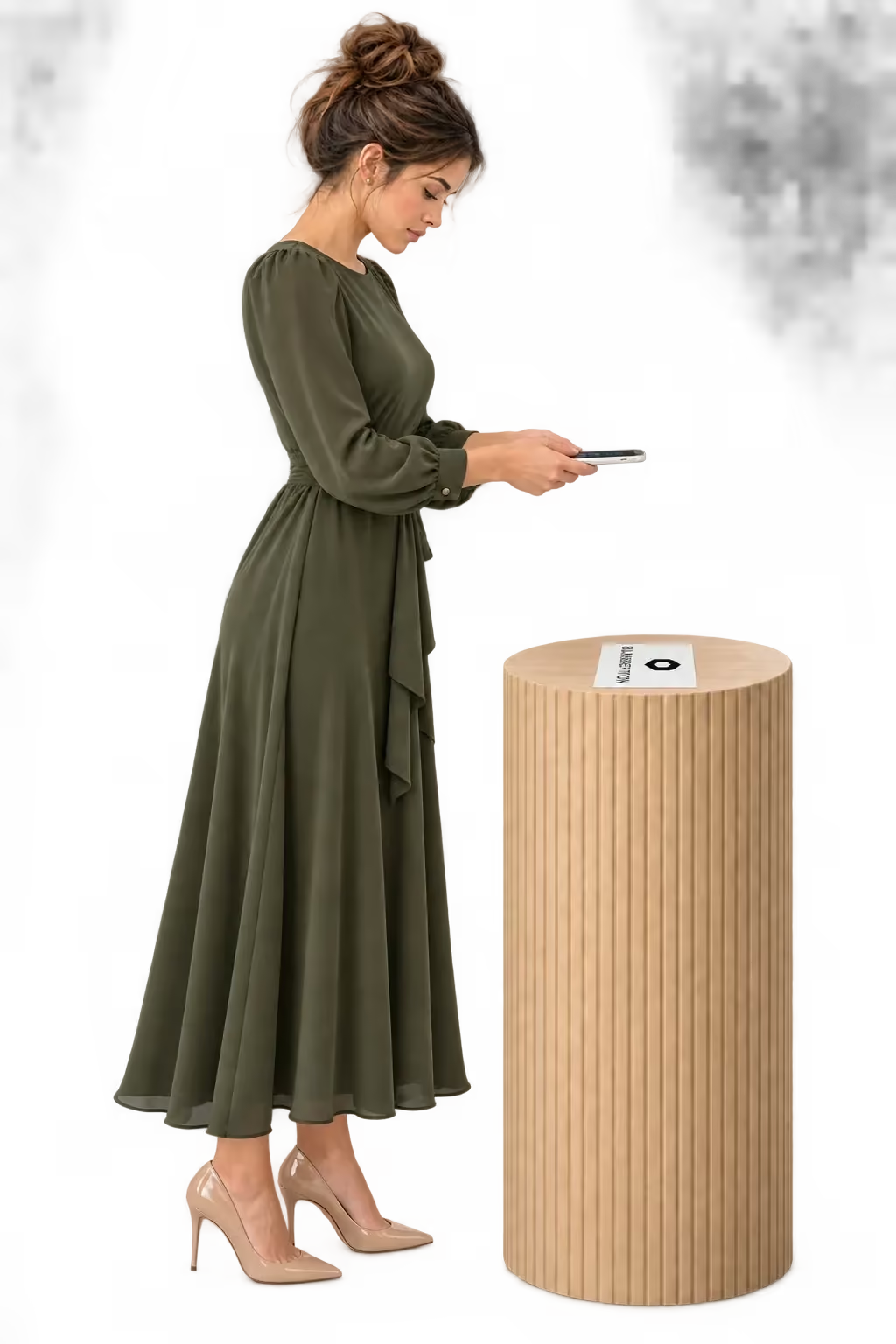
WebAR · Print and packaging
WebAR image tracking turns your packaging, catalog or printed card into the start of a 3D experience. A phone camera recognizes the artwork and shows connected 3D content above it, right in the browser, with no app to install. Try it free with the demo target.
An AR image target is the prepared artwork the camera recognizes: a label, a box, a page in a catalog or a card in the parcel. Once the camera finds it, the 3D content appears anchored to the image and stays in place as the phone moves.
Upload the image that shoppers will scan.
Choose the 3D content that belongs to that image.
Shoppers point their phone at the print to see it appear.
Give the artwork another dimension.
Explore the preview, then launch the demo to experience this product in your browser.
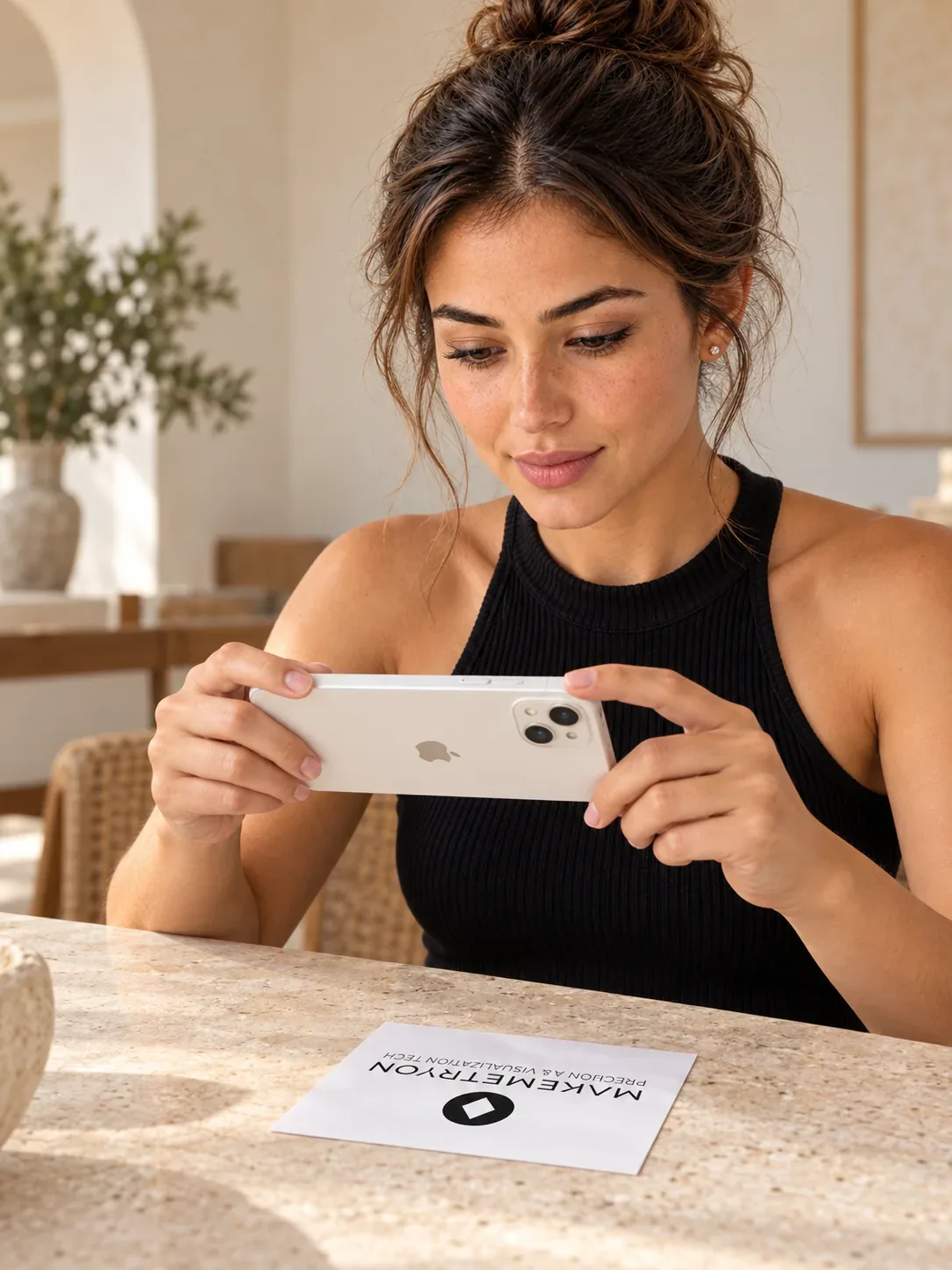
From print to AR
Point your camera at a printed image and see a 3D model appear on it, right in your browser.
Open the sample image on another screen or print it before launching.
Open the image to scan ↗Open the target on another screen or print it, then scan it with your phone.
Explore Image TargetThe camera recognizes a prepared image and anchors a 3D model to it. The experience runs in the browser while the physical artwork stays in view. Connect a physical campaign to an interactive product experience people can explore on their phone.
Your storefront requests 3D. The same iframe opens the product viewer.
Test every solution free on your own website. When you go live, choose the plan that fits your catalog. One subscription covers every solution.
Free
Launch on your store today
€0
What you get
Starter
For growing catalogs
€49/ month
What you get
Professional
Best for production stores
€129/ month
What you get
Enterprise
High-volume & scaling teams
€299/ month
What you get
Every plan includes unlimited bandwidth, a self-service dashboard and one production domain. Need a larger catalog or more domains? Talk to sales.See full pricing
The prepared artwork the camera recognizes. Once detected, the connected 3D content appears anchored to it.
No. It runs in the browser. Visitors open the link and allow camera access.
The target artwork and the 3D model to show. Test recognition with the real print size, lighting and phone.
Rich detail and contrast, with distinct shapes and edges. Avoid plain areas, repeating patterns and very glossy finishes.
Yes. The content is online, so you can update it without reprinting the artwork.
Yes. Scan the demo target free on this page, then start for free with your own artwork.
Your next chapter
Turn looking into trying. Give your customers a new way to experience your products, starting with your first one.
Try every solution free
Create your account and set up your project.
Add your models and choose your experience.
Embed it on your website and let customers try.