Photo-based analysis
The shopper chooses a clear portrait in the browser.
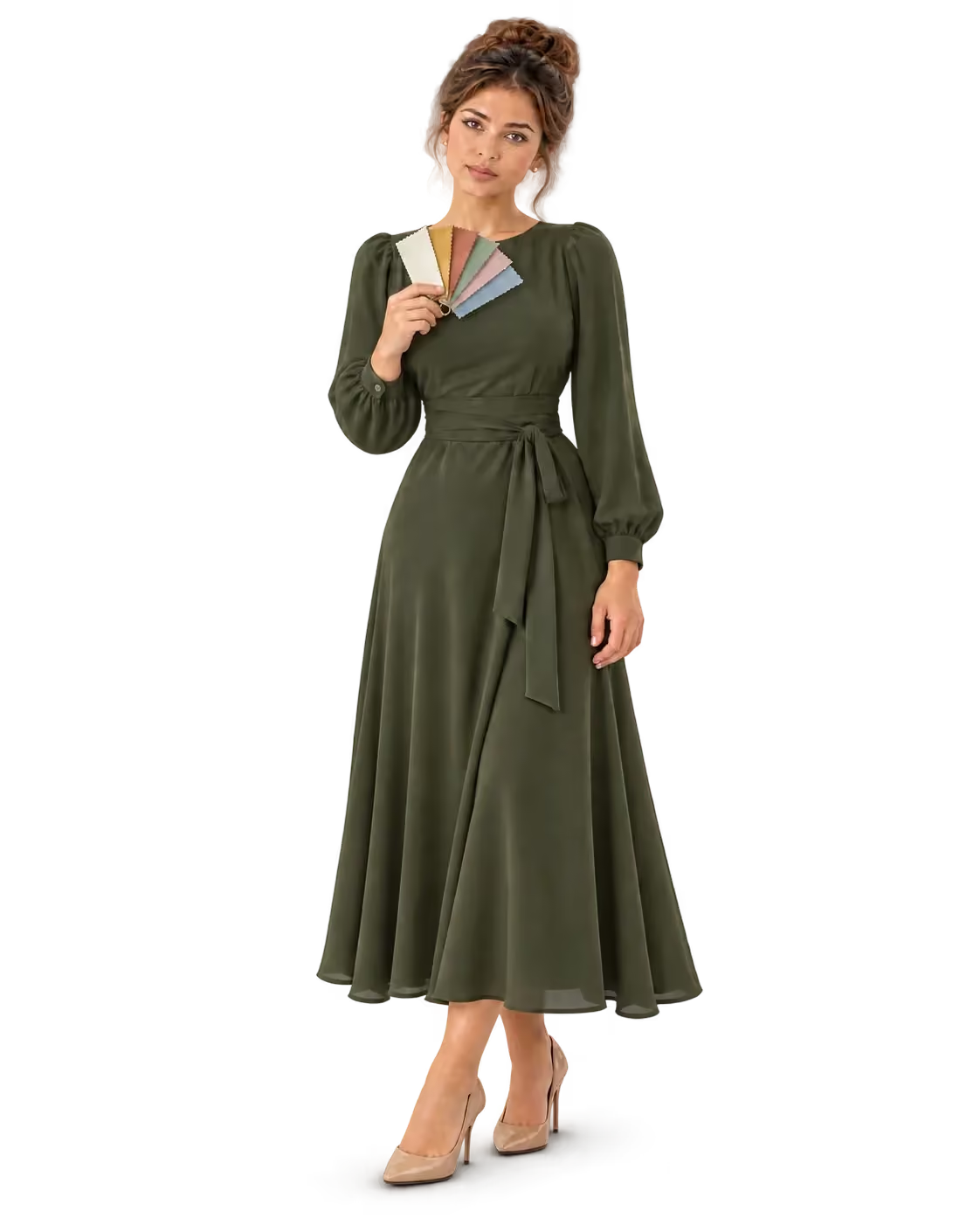
Personalized discovery · Color
Add seasonal color analysis to your website and turn “which color suits me?” into a reason to buy. From one portrait photo, shoppers get one of 12 color seasons and a palette of shades. Your store uses the result to suggest frames, metals and clothing colors that suit them. It works on any website with one embed. Try it free.
Seasonal color analysis groups people by the colors that flatter their natural coloring: skin, eyes and hair. Makemetryon places a shopper in one of 12 seasons across 4 families (spring, summer, autumn and winter) and returns a ranked result, so you can show the shades that suit them best.
The shopper chooses a clear portrait in the browser.
The analysis presents a color season and its shades.
They can explore colors that feel more personal.
A palette with a reason to explore.
Explore the preview, then launch the demo to experience this product in your browser.
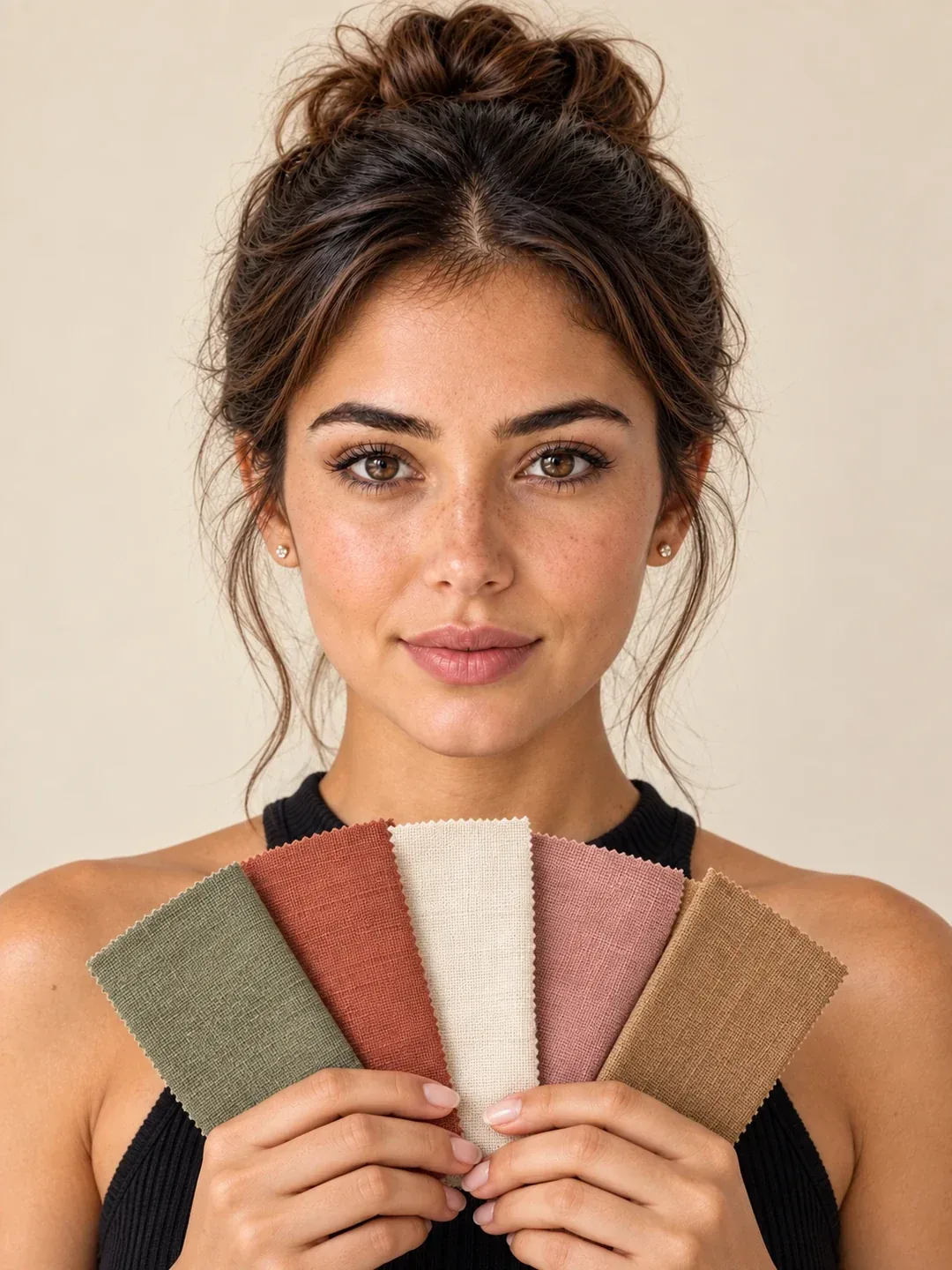
Your personal toolkit
Place shoppers in one of 12 color seasons from a single photo — frame, makeup, and wardrobe shades that suit them.
Choose a clear, front-facing photo in natural light.
Choose a photo when you launch the demo.
Explore Seasonal ColorThe tool looks at visible coloring in a photo and places it within a seasonal palette. That palette gives shoppers a way to explore relevant shades. Use a personal palette to make product discovery more relevant.
Your storefront requests analysis. The iframe runs it and sends analysis results back to your storefront.
Test every solution free on your own website. When you go live, choose the plan that fits your catalog. One subscription covers every solution.
Free
Launch on your store today
€0
What you get
Starter
For growing catalogs
€49/ month
What you get
Professional
Best for production stores
€129/ month
What you get
Enterprise
High-volume & scaling teams
€299/ month
What you get
Every plan includes unlimited bandwidth, a self-service dashboard and one production domain. Need a larger catalog or more domains? Talk to sales.See full pricing
It analyzes visible coloring in a portrait and places the shopper in one of 12 seasons, with ranked results your store can use.
A clear, front-facing portrait in even, neutral light, with no filters.
The ranked seasonal result, sent from the iframe to your page.
No. Photo analysis needs no 3D models and no live camera session.
Yes. Try it free on this page, then start for free on your own website.
Your next chapter
Turn looking into trying. Give your customers a new way to experience your products, starting with your first one.
Try every solution free
Create your account and set up your project.
Add your models and choose your experience.
Embed it on your website and let customers try.