
Make the view personal
Camera-based previews place eyewear, jewelry, watches, and headwear on the shopper’s own view.
AR & Virtual Try-On
Makemetryon’s virtual try-on solutions let shoppers see glasses, rings, earrings, bracelets, watches and hats on themselves, live in the browser, before they buy.
Pick the categories you sell, add them to any website with one embed, and manage them all from one dashboard. Try every solution free.
AR virtual try-on uses the shopper’s camera to place a 3D version of your product on their face, ear, hand, wrist or head. Tracking keeps it in place as they move, so they can judge style, proportion and, for glasses, rings and watches, real size. It turns a product page into a fitting room.
Camera-based previews place eyewear, jewelry, watches, and headwear on the shopper’s own view.
Shoppers move and compare the look. A visual preview supports discovery; it does not replace physical sizing or fitting.
Launch from your storefront and keep the product, its details, and the buying journey in reach.
Let shoppers preview glasses, rings, watches, bracelets, earrings, and hats on themselves.

Show optical frames and sunglasses on a shopper’s face with live tracking.
Explore glasses try-on
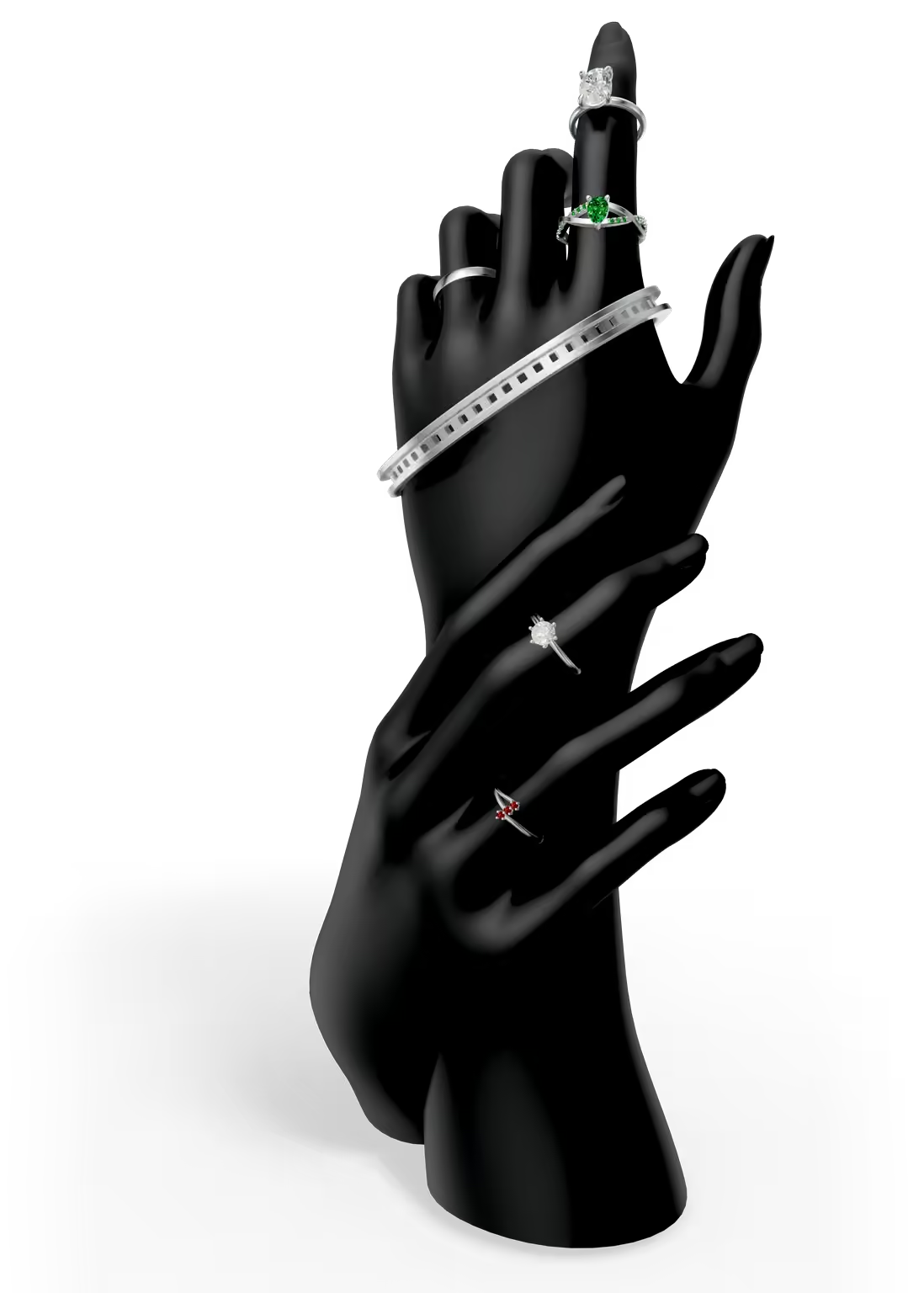
Let shoppers preview a 3D ring on their own hand before returning to the product.
Explore ring try-on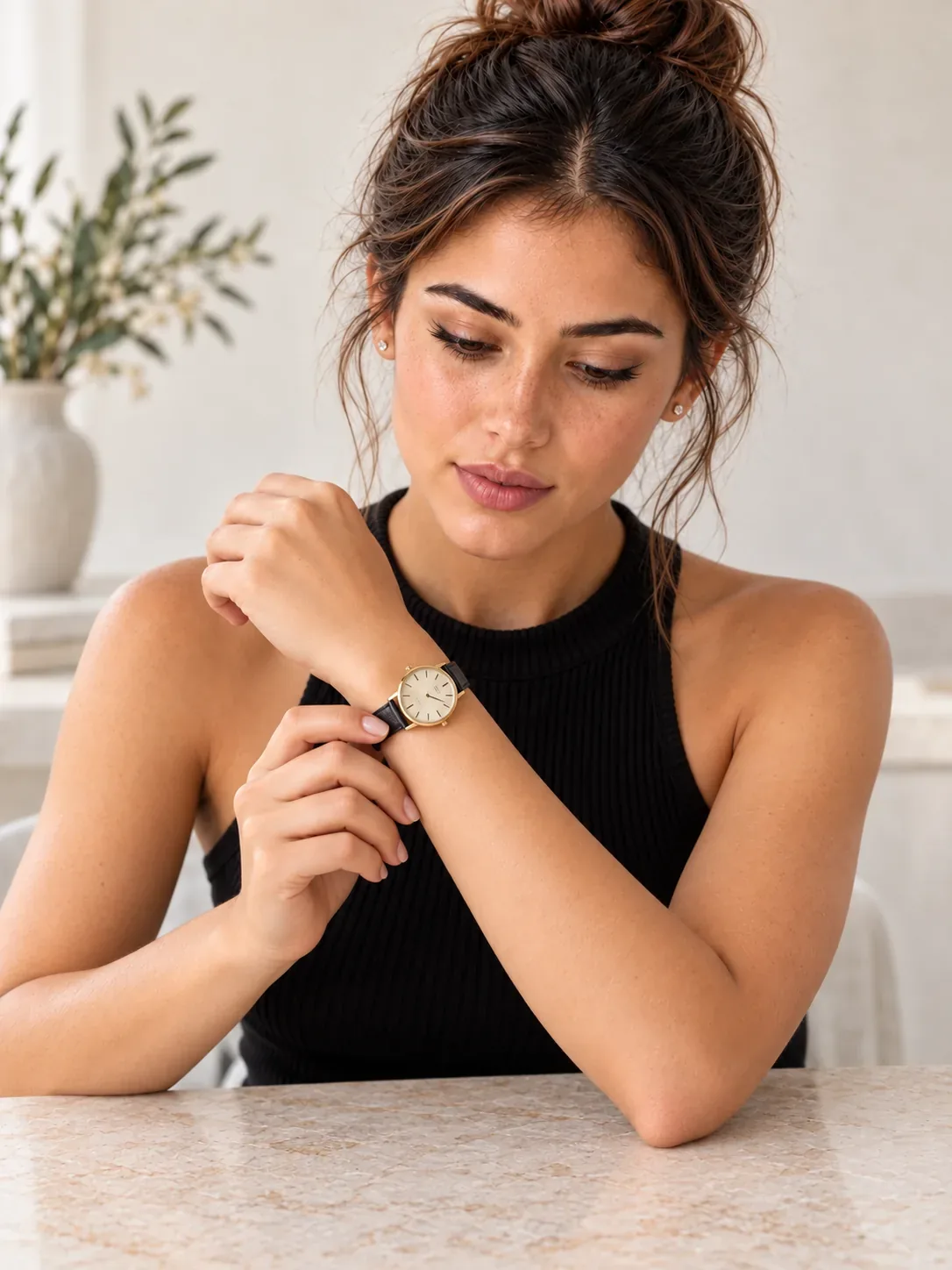
Virtual watch try-on: shoppers see your watches on their own wrist, true to scale, live in the browser. One embed on any website. Try it free.
Explore virtual watch try-on
Virtual bracelet try-on for jewelry websites: shoppers see bracelets and bangles on their wrist, live in the browser. One embed, any website. Try it free.
Explore virtual bracelet try-on
Virtual earring try-on for jewelry websites: shoppers see studs, hoops and drops beside their face, live in the browser, on any website. Try it free.
Explore virtual earring try-on
Virtual hat try-on for online hat and cap stores: head tracking puts your 3D caps and brimmed hats on the shopper, live in the browser. Try it free.
Explore virtual hat try-onOne playground. Every experience. Try on a product, explore it in 3D, or find your fit — right in your browser.
Try the collection
Online glasses try-on with face tracking, style matching, and size recommendations.
Camera access is requested when you launch the demo.
Explore Glasses Try-OnA simple embed. Try-on, 3D and analysis, handled in one place.
Your storefront requests try-on. The same iframe launches the fitting experience.
Test every solution free on your own website. When you go live, choose the plan that fits your catalog. One subscription covers every solution.
Free
Launch on your store today
€0
What you get
Starter
For growing catalogs
€49/ month
What you get
Professional
Best for production stores
€149/ month
What you get
Enterprise
High-volume & scaling teams
€299/ month
What you get
Every plan includes unlimited bandwidth, a self-service dashboard and one production domain. Need a larger catalog or more domains? Talk to sales.See full pricing
It places a 3D product in the shopper’s camera view. Makemetryon offers virtual try-on for glasses, rings, earrings, bracelets, watches and hats, directly in the browser.
3D models of your products, a project in the Makemetryon dashboard and the embed on your product pages. Test placement and the camera flow before publishing.
Glasses, rings and watches are shown true to scale. Try-on doesn’t measure the finger, wrist or head, so keep your size guide next to the button.
Yes. Virtual try-on works on any website with one embed. Add it wherever your site accepts custom HTML, with no app or plugin to install. The integration documentation covers the embed and product controls.
No. It runs in the browser. Shoppers allow camera access when they start a camera-based experience.
You can try every solution free and start for free. Plans start from €49 per month, and one subscription covers every solution. See pricing.
Your next chapter
Turn looking into trying. Give your customers a new way to experience your products, starting with your first one.
Try every solution free
Create your account and set up your project.
Add your models and choose your experience.
Embed it on your website and let customers try.